

Fast and professional Surveys
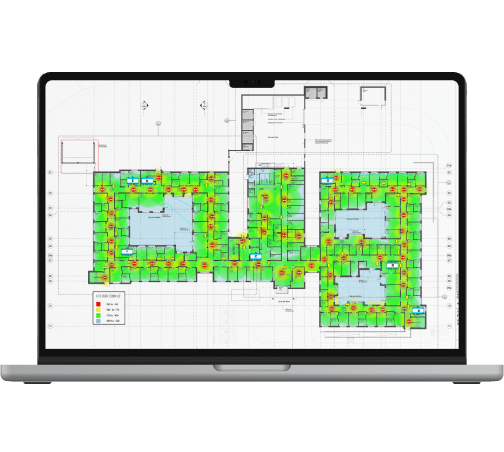
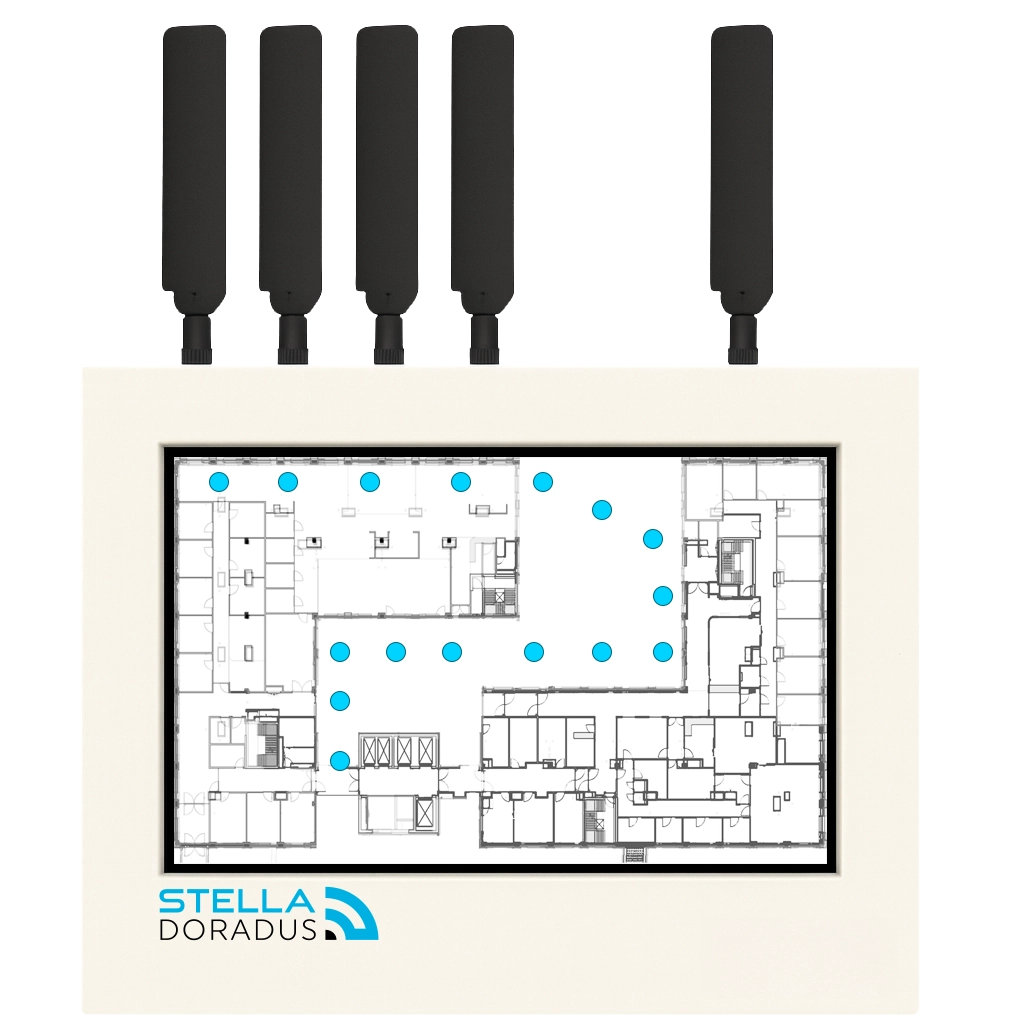
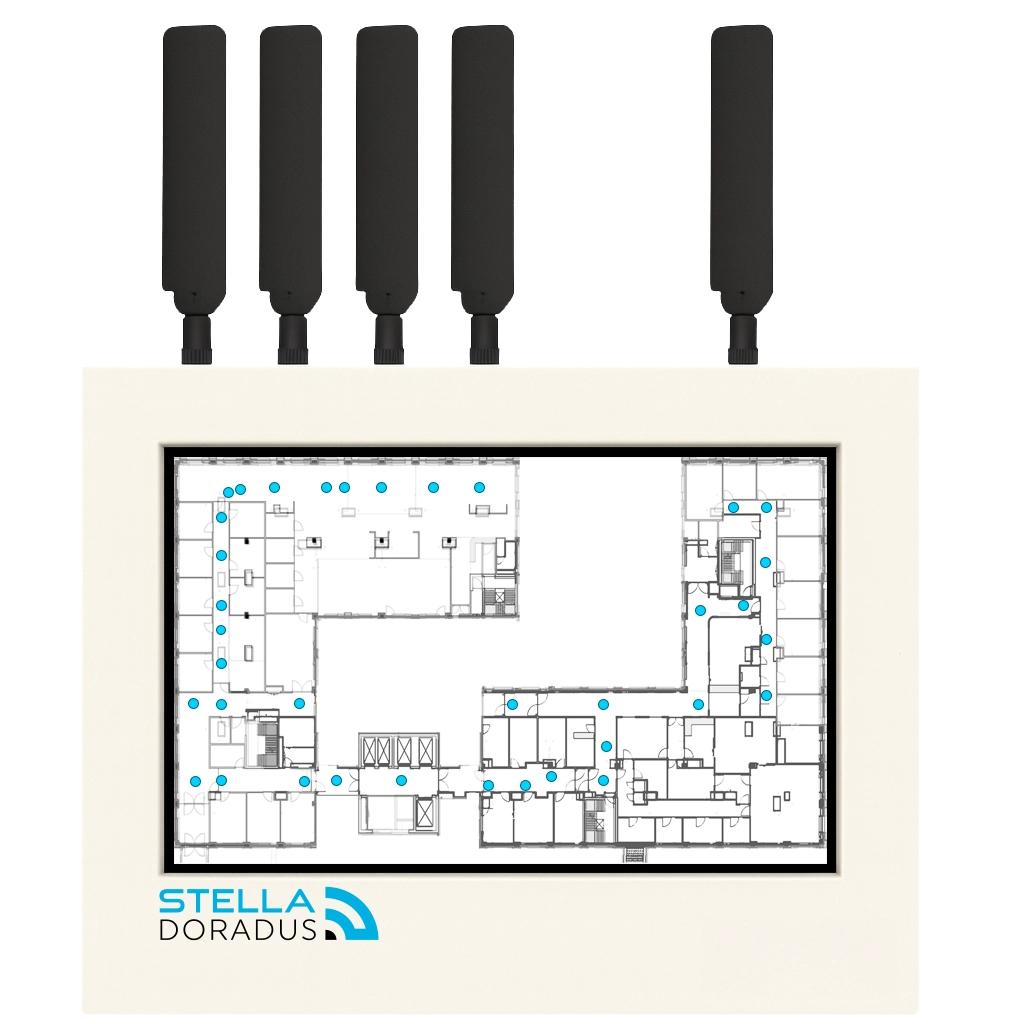
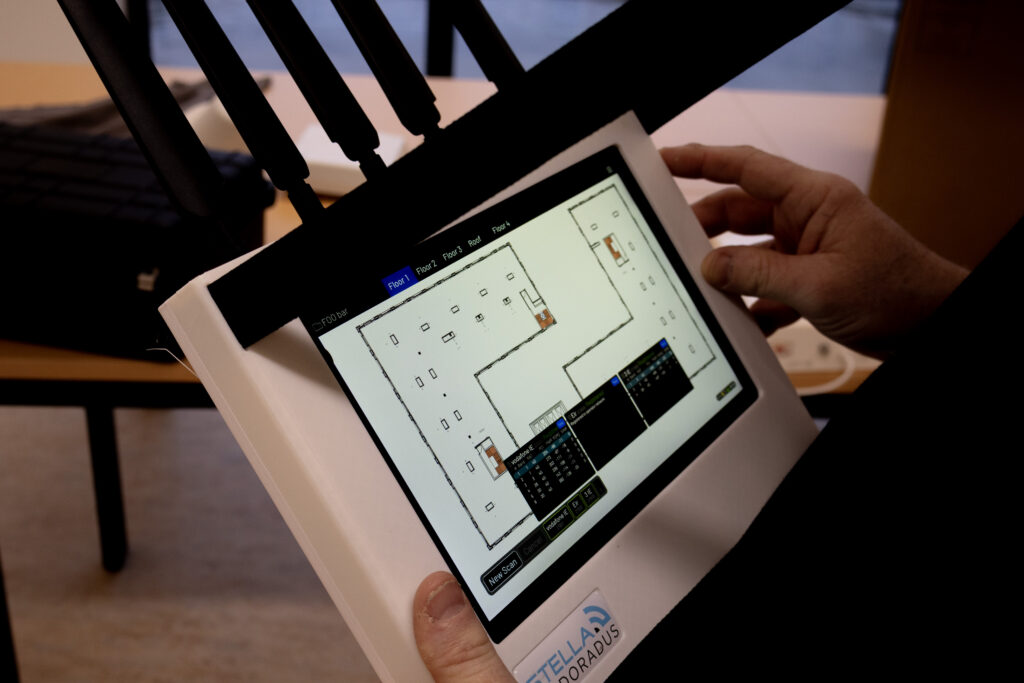
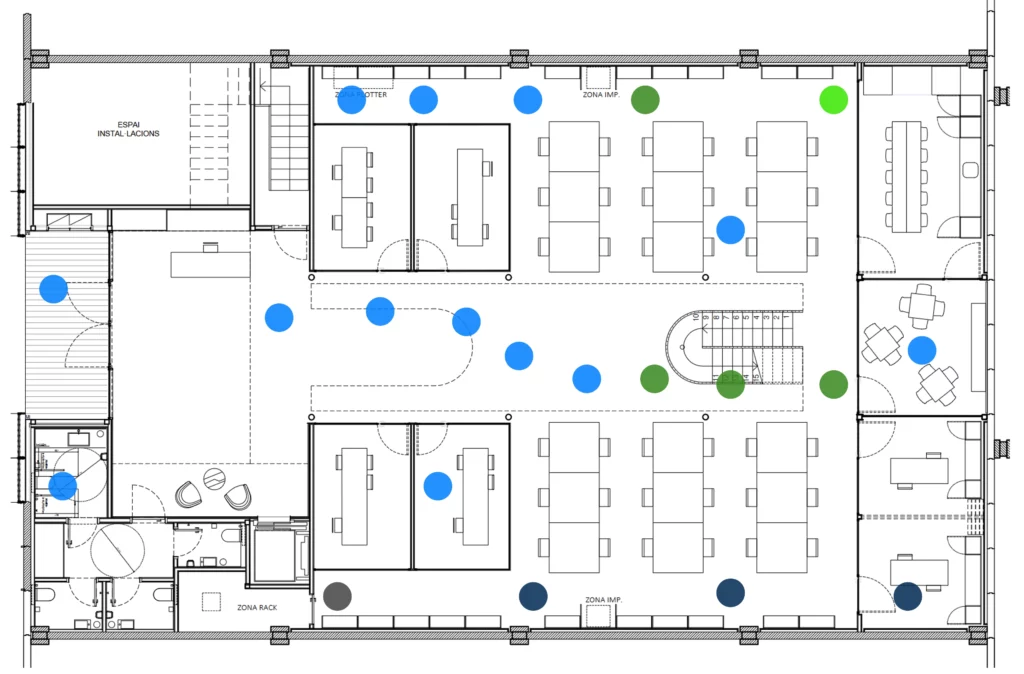
Upload building plans to Sharkplan. Walk around the building with the Shark to quickly gather a full signal survey for all operators.
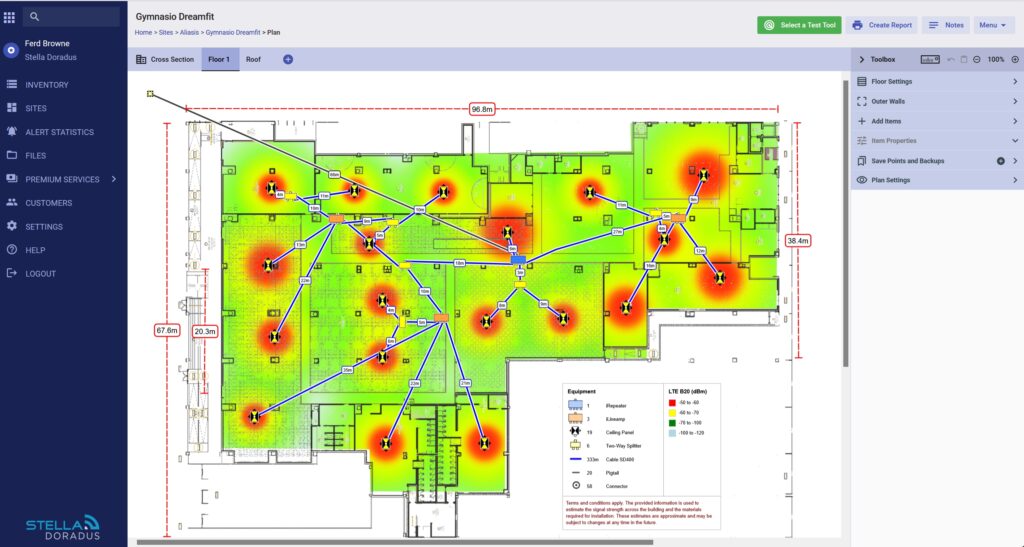
Syncs to your building design on SharkPlan
All scans per floor of the building are automatically sent to the building design on SharkPlan.
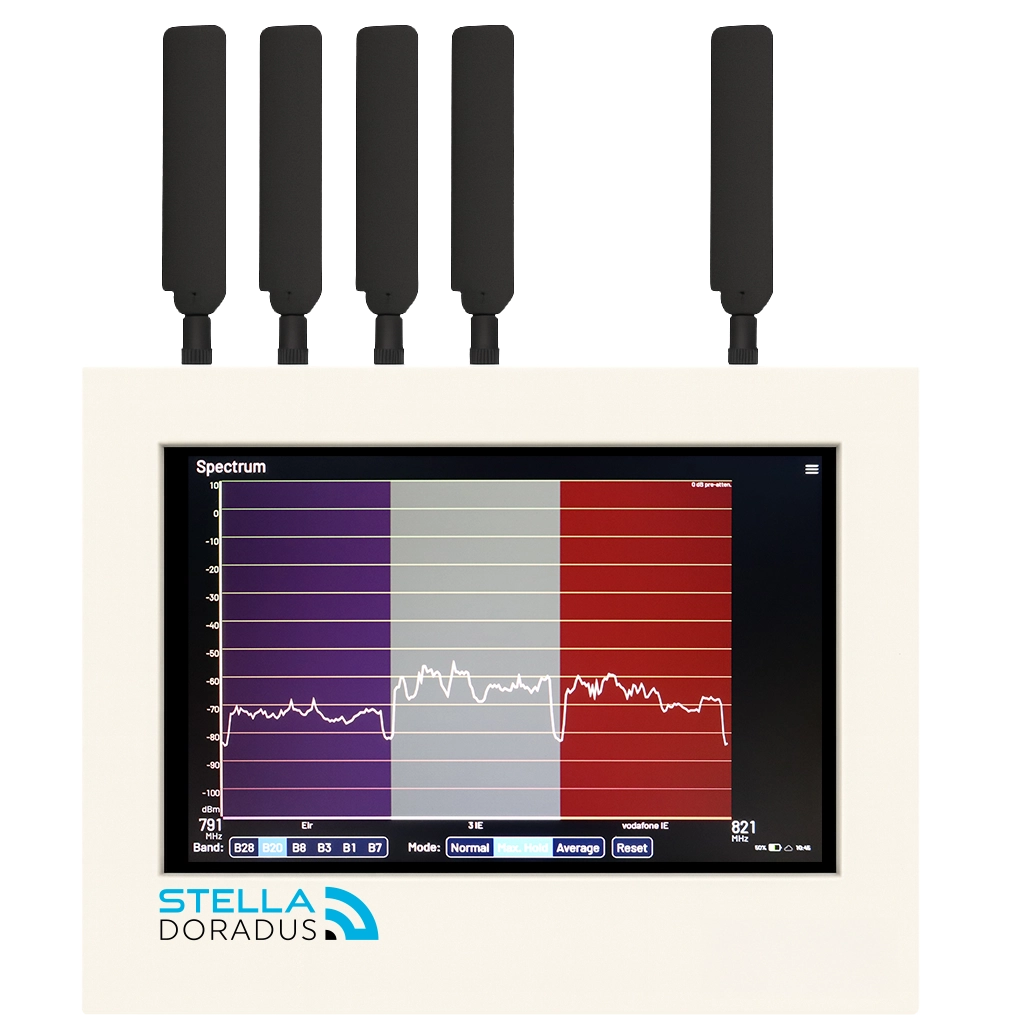
Spectrum analyzer Mode
View the RF spectrum of the preloaded operators for a specific country. This mode is very useful for quickly understanding the RF environment.
Report Generator
The Report Generator allows quickly generating a full survey report for the building.
4 step process
Every professional repeater installation consists of 4 steps. Our certified installers are all trained in this process to ensure that all installations adhere to our exacting standards.
Step 1
Initial Review
Upload the PDF plans of the building to SharkPlan. Link the Shark to this design. The next time you start the Shark, the site will automaticlly appear in the list dropdown.

Step 2
On-Site Survey
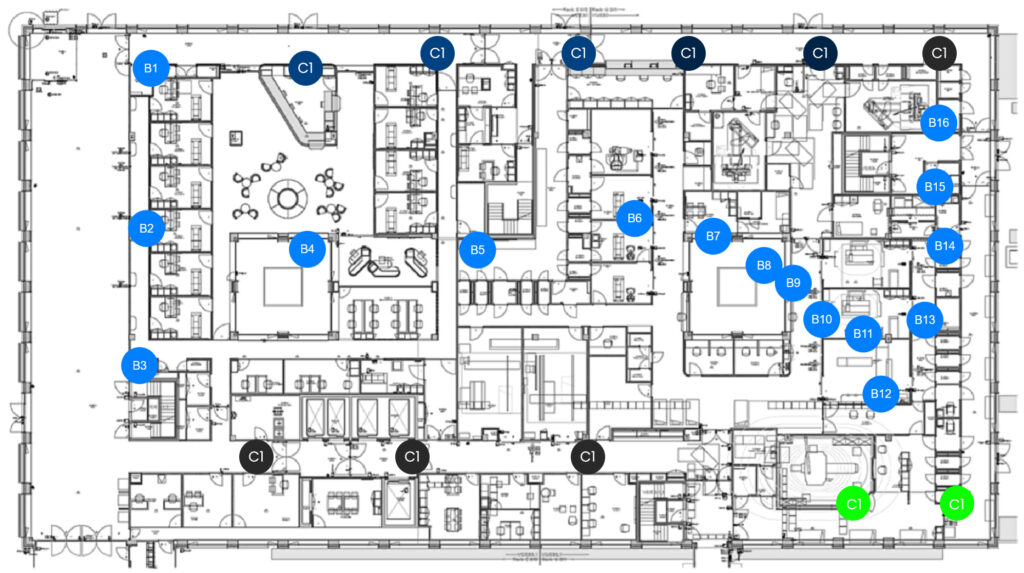
Visit the building to conduct the site survey. Walk through the building with the Shark touching the LCD points where you want a scan dot. Each scan dots takes about 30 seconds to complete.
Step 3
Design Proposal
The design is refined and accurate BOM is generated.

Step 4
Installation
Stella engineers will guide you through the installation of the equipment to ensure best results.