
OS6
Operator Specific Repeater
SKU
OS6
OS4
Bands
B28/ B20/ B8/ B3/ B1/ B7
B28/ B20/ B8/ B3/ B1/ B7*
Port Sense
Yes
Yes
Monitoring
Yes
Yes
Cell Scanning
Yes
Yes
*OS4 – Choose any 4 out of 6 bands
The Operator Specific repeater
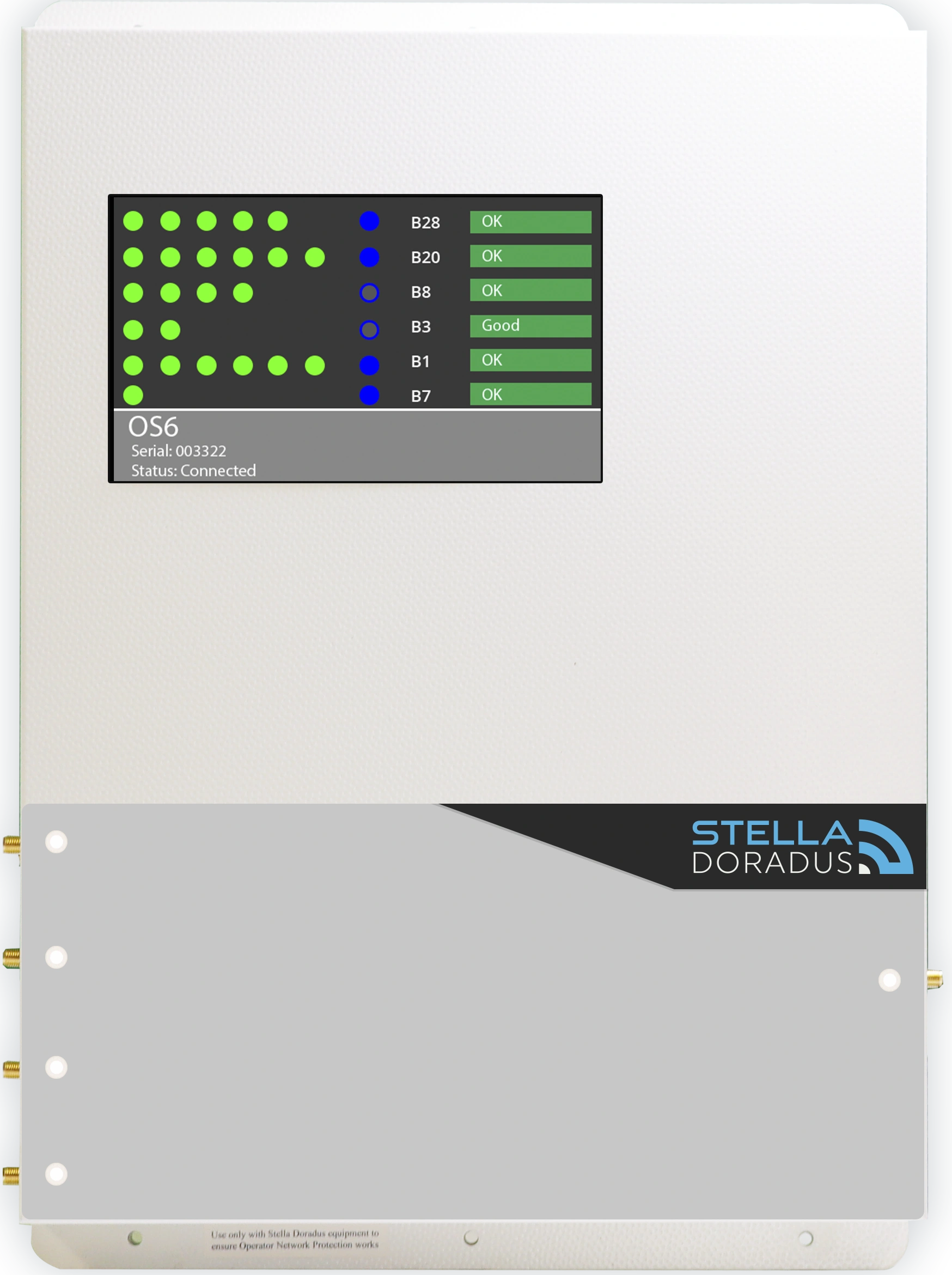
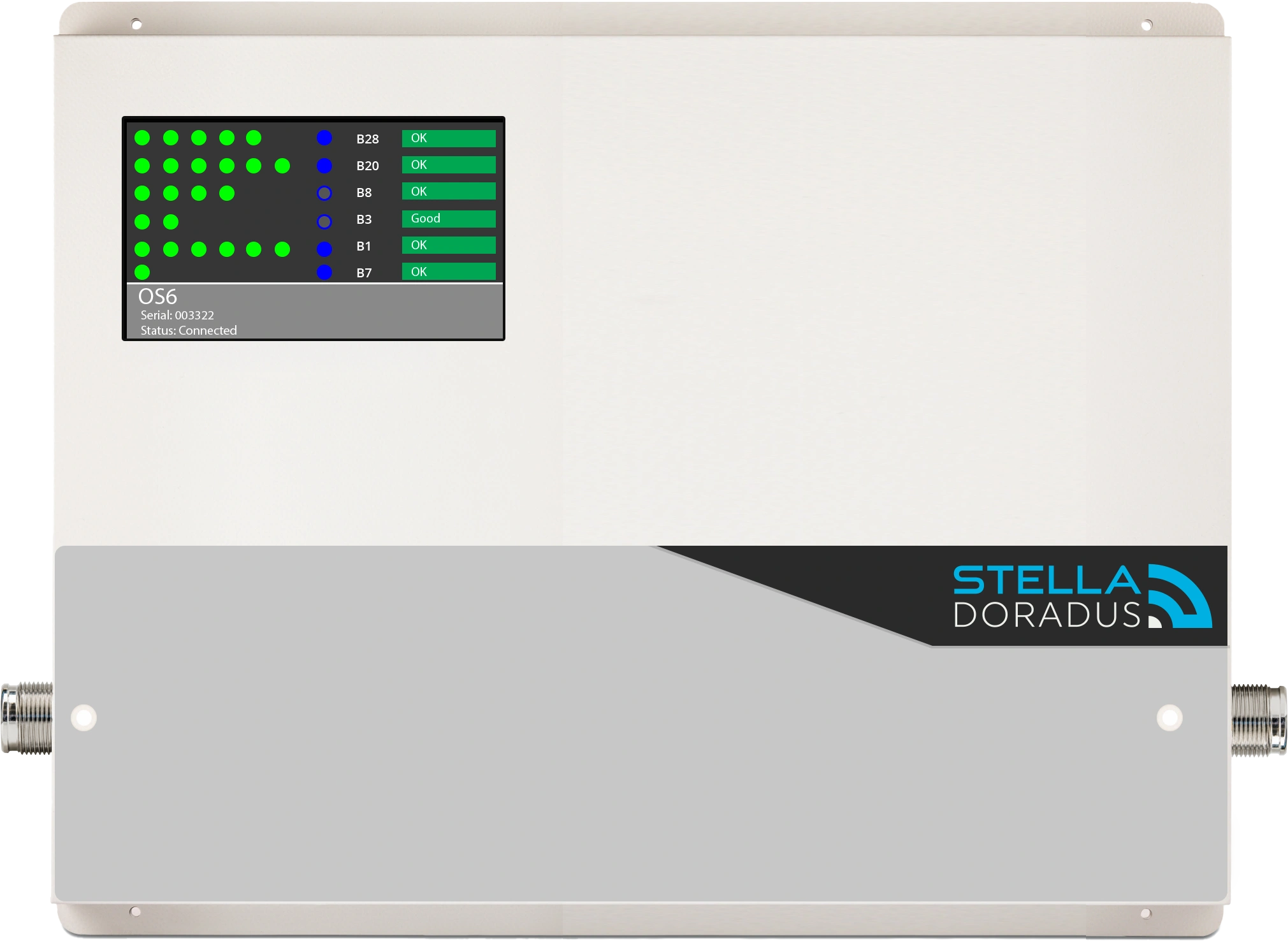
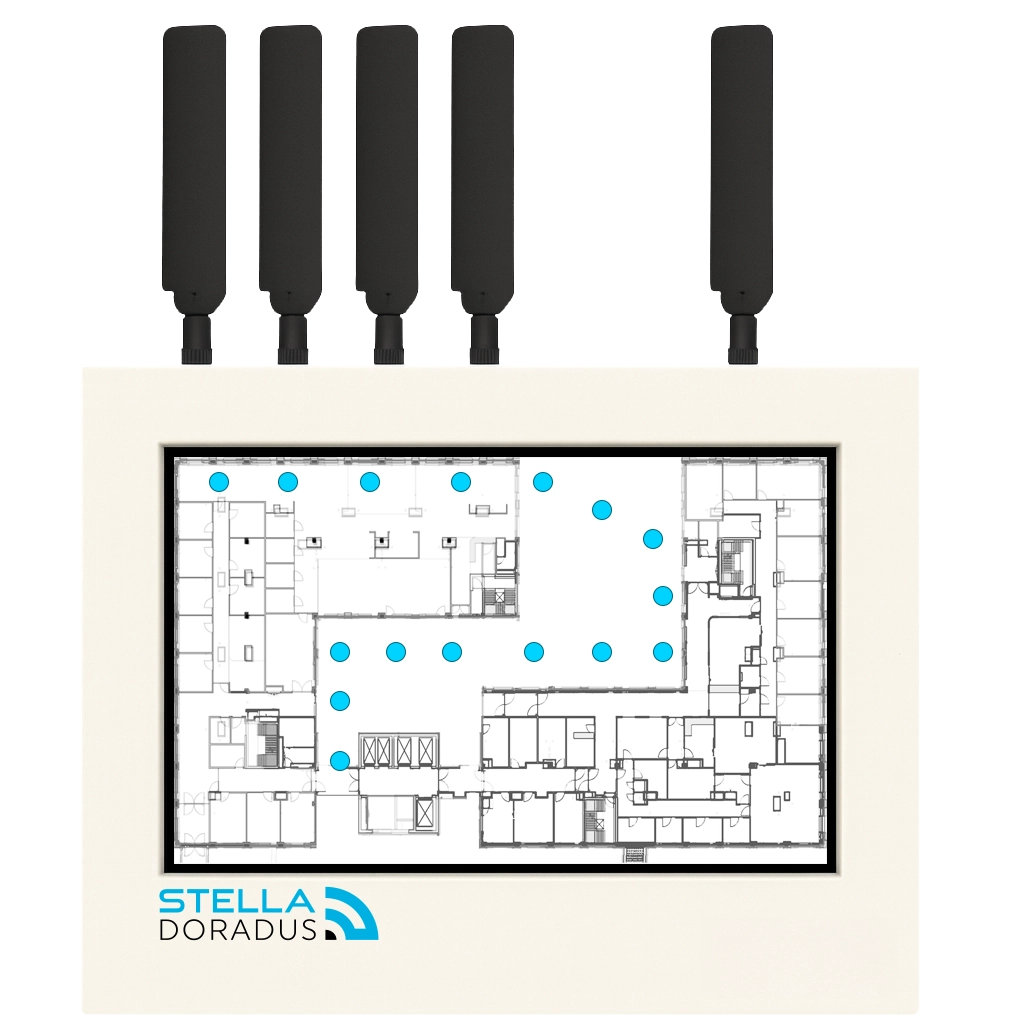
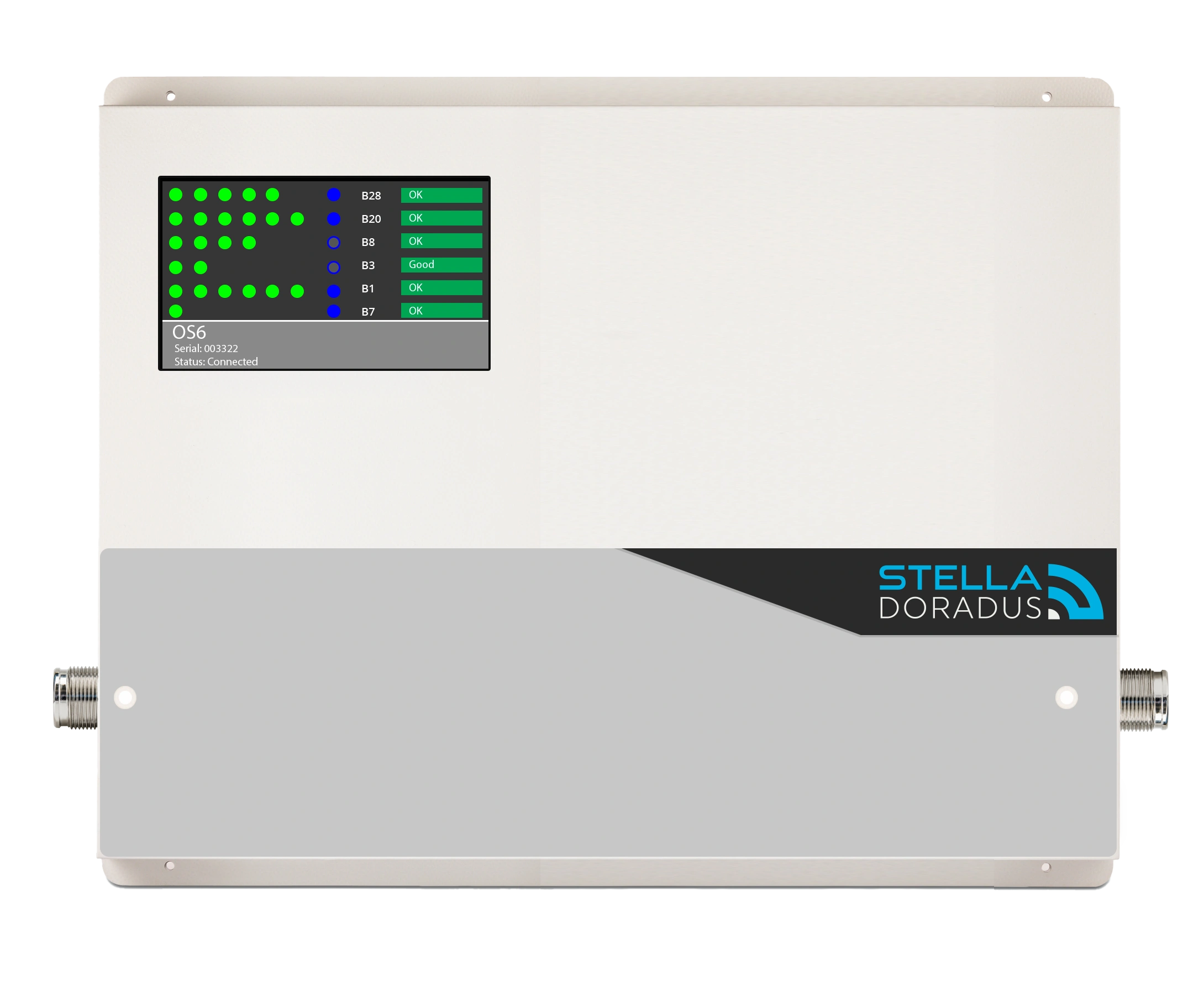
The OS6 is a commercial grade, cellular repeater which amplifies mobile coverage in large buildings for any one single operator, enabling clear voice calls in the office, as well as providing the fastest internet speeds: 5G/4G/3G/2G.
Monitoring dashboard
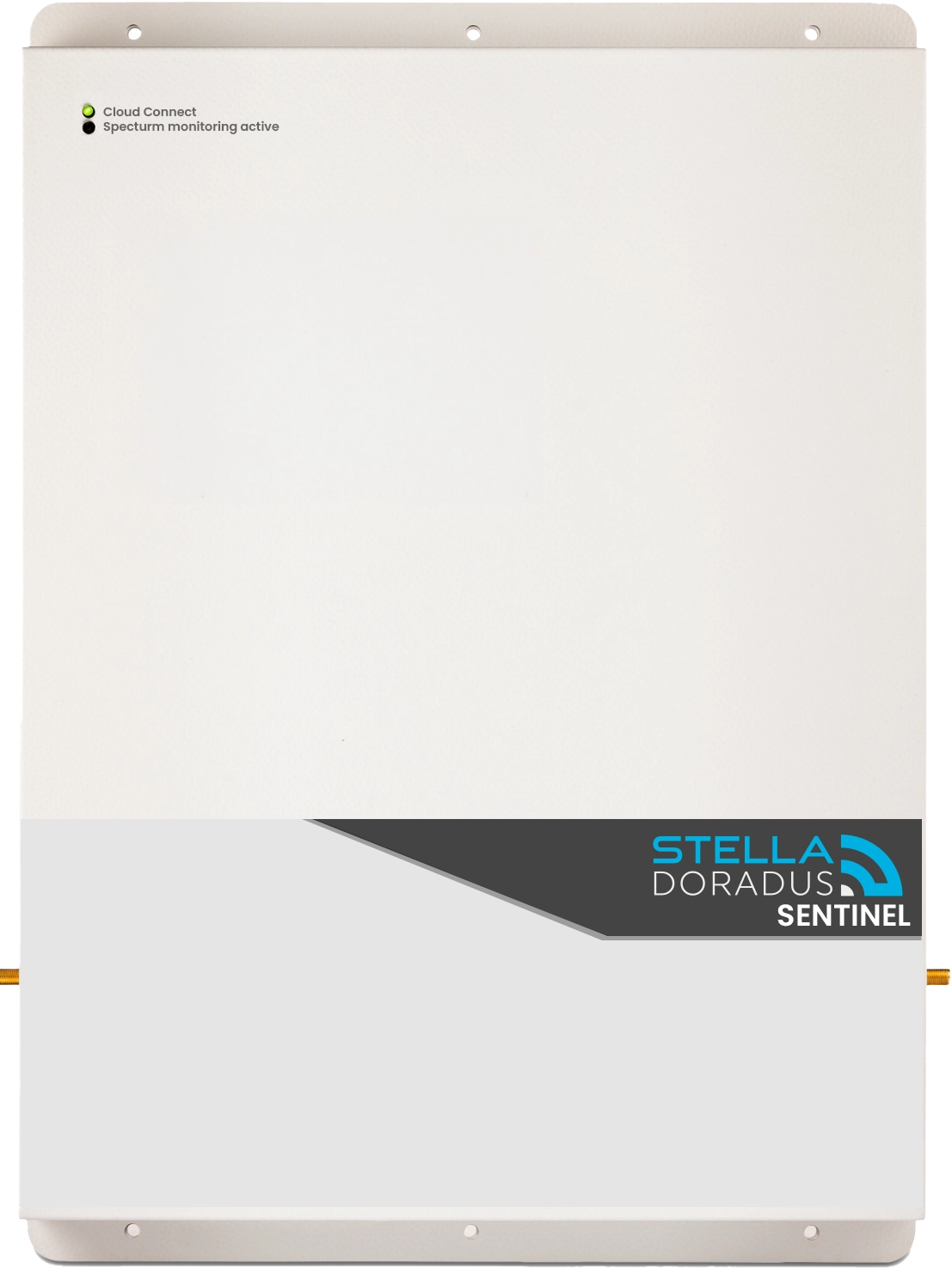
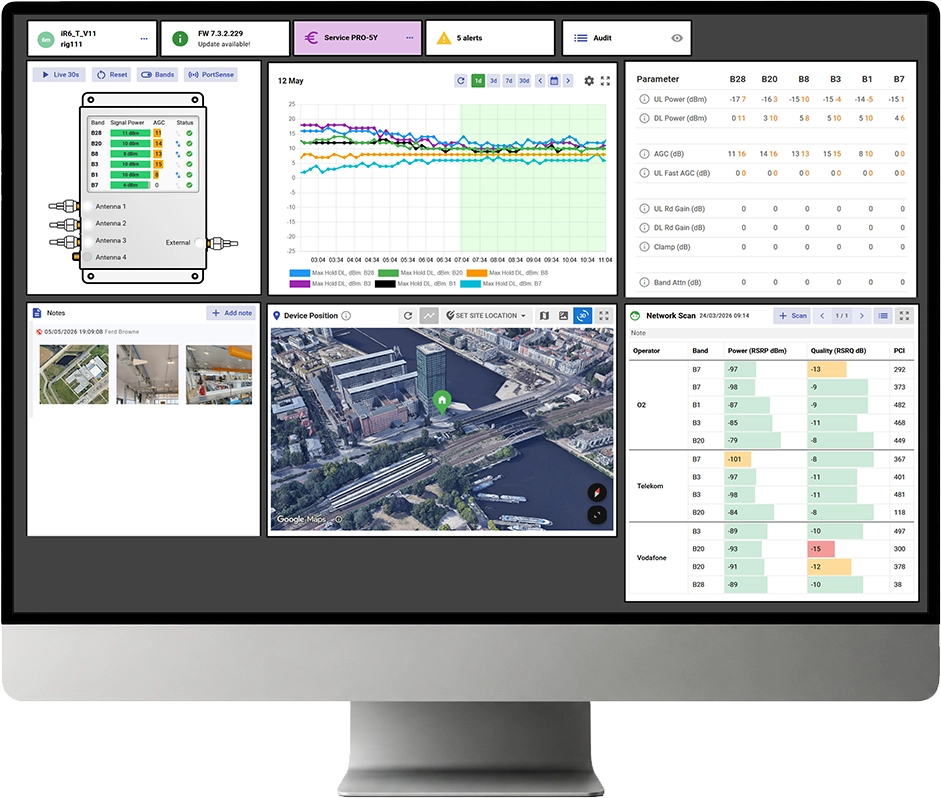
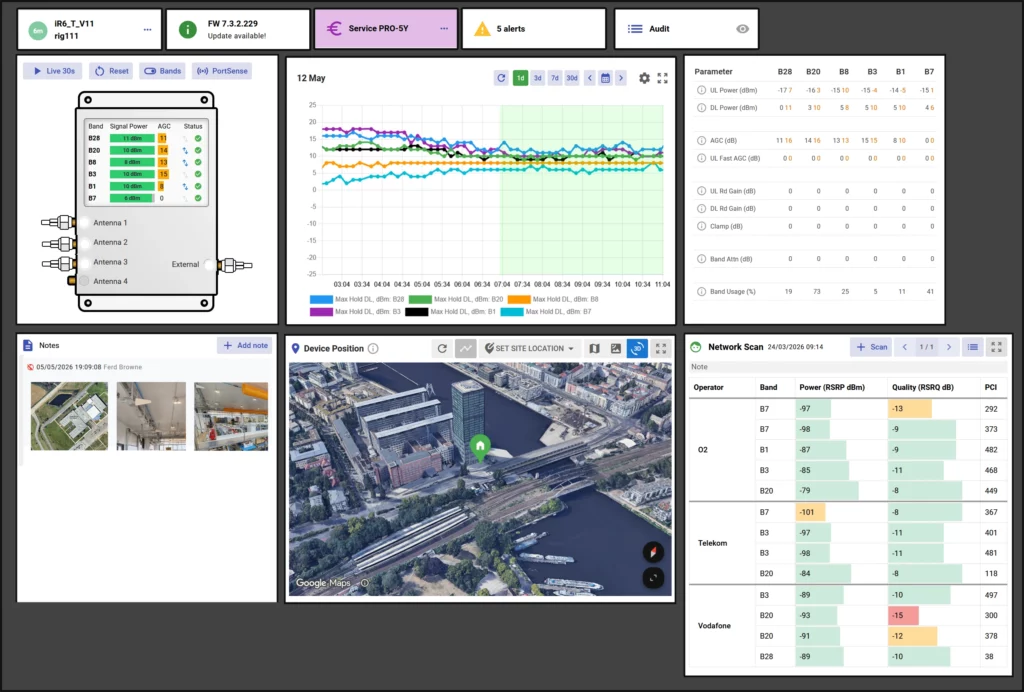
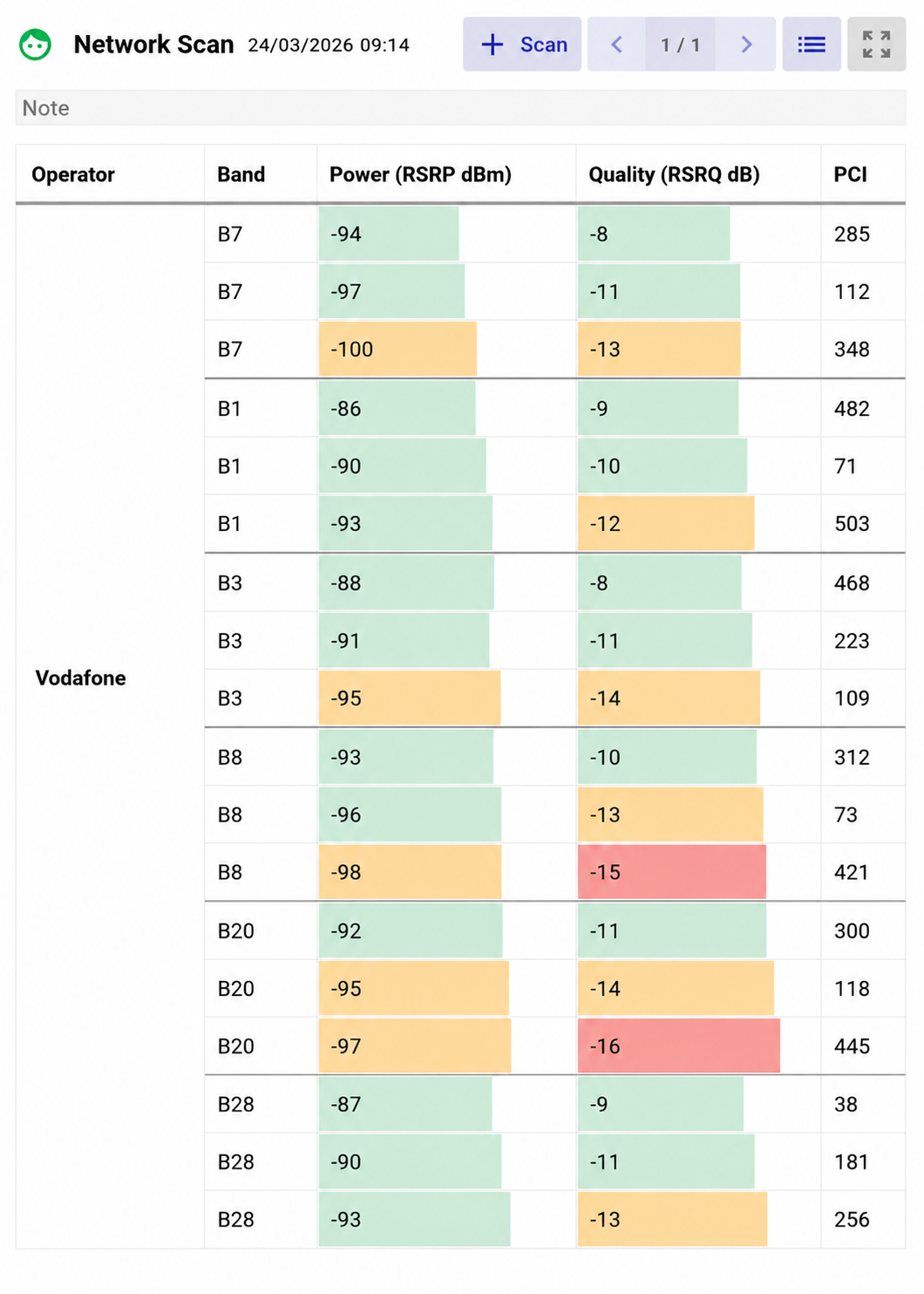
The OS6 online dashboard provides comprehensive visibility of both real-time and historical RF performance metrics, including power levels, gain, and system status. An automatic network scan is performed weekly, with results displayed in the Network Scan panel for easy review and analysis.
The integrated PortSense monitoring feature allows installers and operators to verify that all connected hardware — including antennas and cabling — is functioning correctly. Any system alerts or anomalies are clearly displayed within the dashboard and can also be automatically forwarded via email notifications for proactive monitoring and maintenance.
Carrier Grade Uplink Noise Suppression
For an operator specific repeater, uplink noise levels and control are critical.
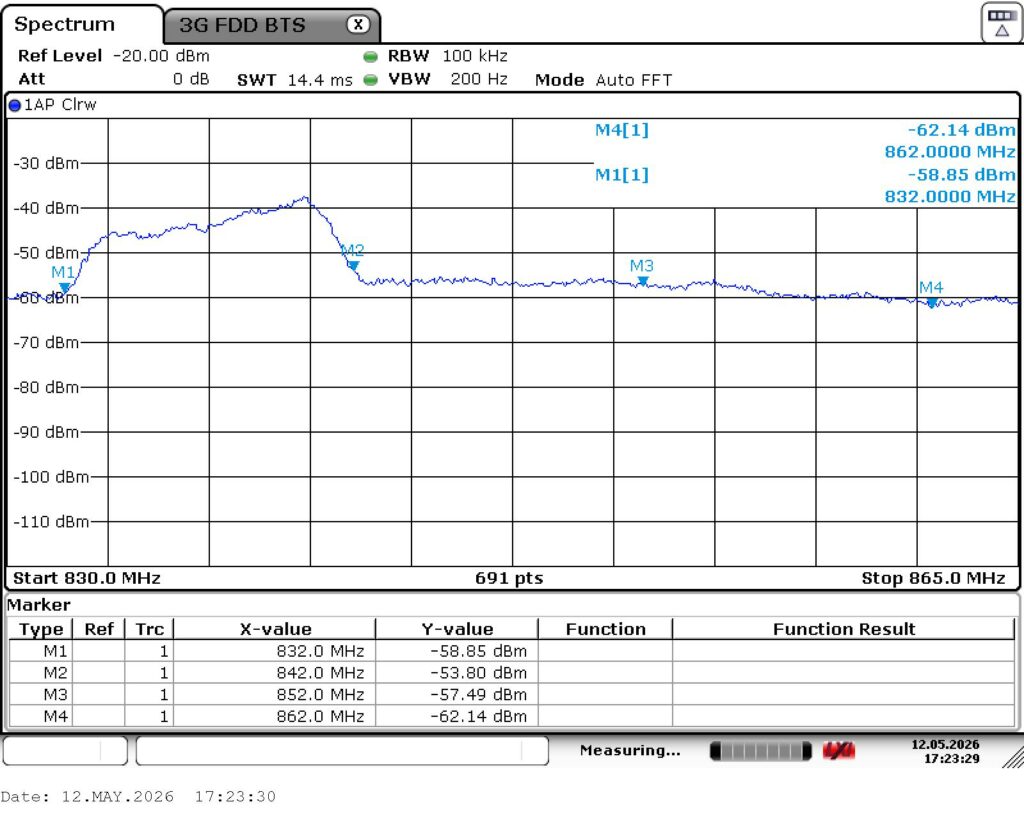
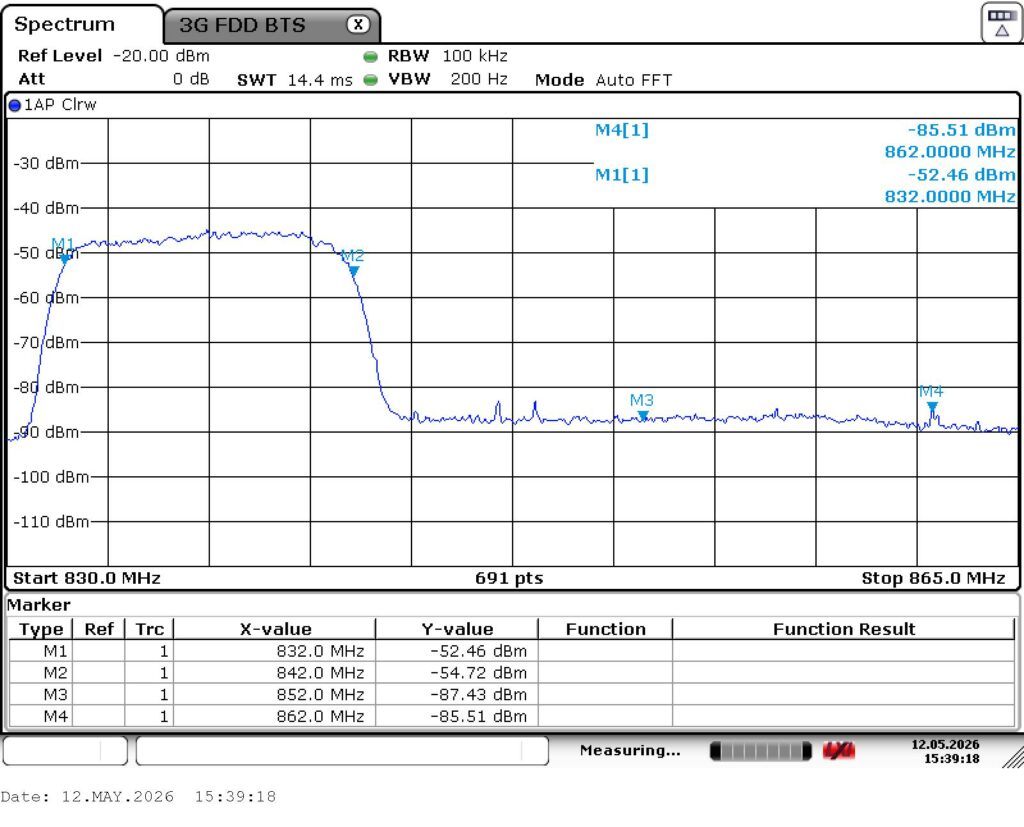
In a 3-operator scenario, the repeater is tuned for “operator 1”, and the other 2 operators the repeater is not tuned for are operator 2 and operator 3. To ensure the cellular networks of operator 2 and 3 are never degraded or damaged by such a repeater installation, the uplink noise level of the repeater for operator 2+3 bands should be less than -85dBm/100Khz. At these levels the repeater can be installed at any distance from any base station of any operator. For operator 1, the uplink noise level should be automatically reduced, the closer the repeater is installed to operator 1’s base station. It is even better if the noise in operator 2+3 bands also reduces.
The screen shot on the left shows extremely poor uplink noise control in operator 2+3 bands. Noise levels of -58 to -60dBm/100KHz ( between markers M2 and M4) will start degrade the cellular networks of operators 2+3 if this repeater is installed with 1Km of their base stations, and get worse the closer it is installed. The screen shot on the right shows the uplink noise produced by Stella Doradus OS6 repeater, in band 20.
Carrier Aggregation
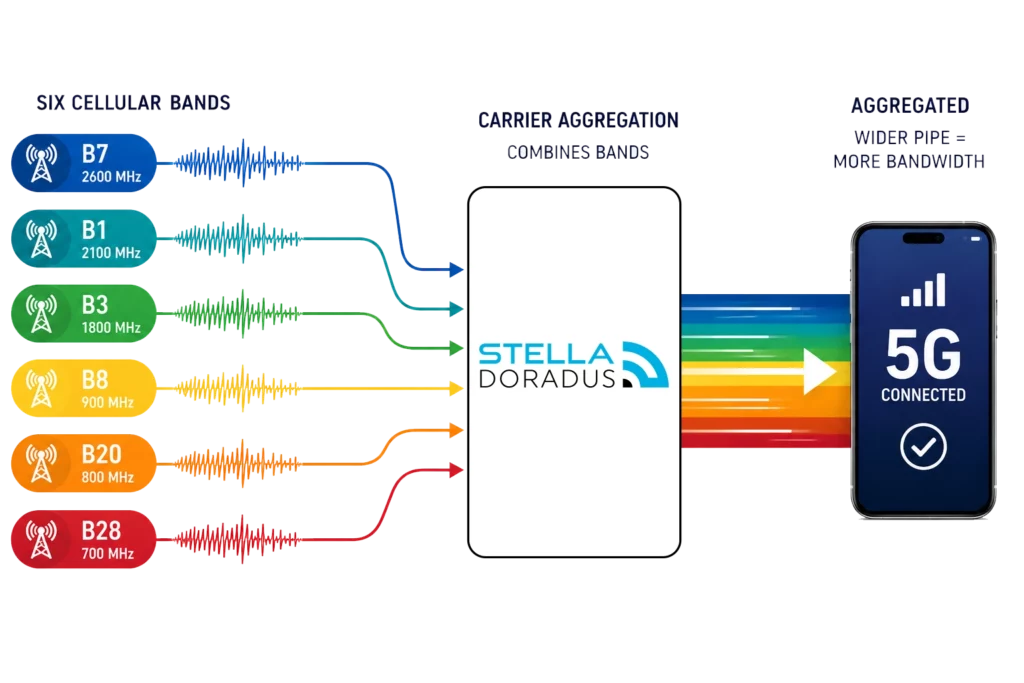
Amplifying all 6 cellular bands is essential for Carrier Aggregation (CA). It enables mobile devices to connect to multiple frequency bands simultaneously, increasing the total available bandwidth at any given time. In practice, this delivers faster data speeds, improved network performance, and a more robust and reliable connection.
Network Scan
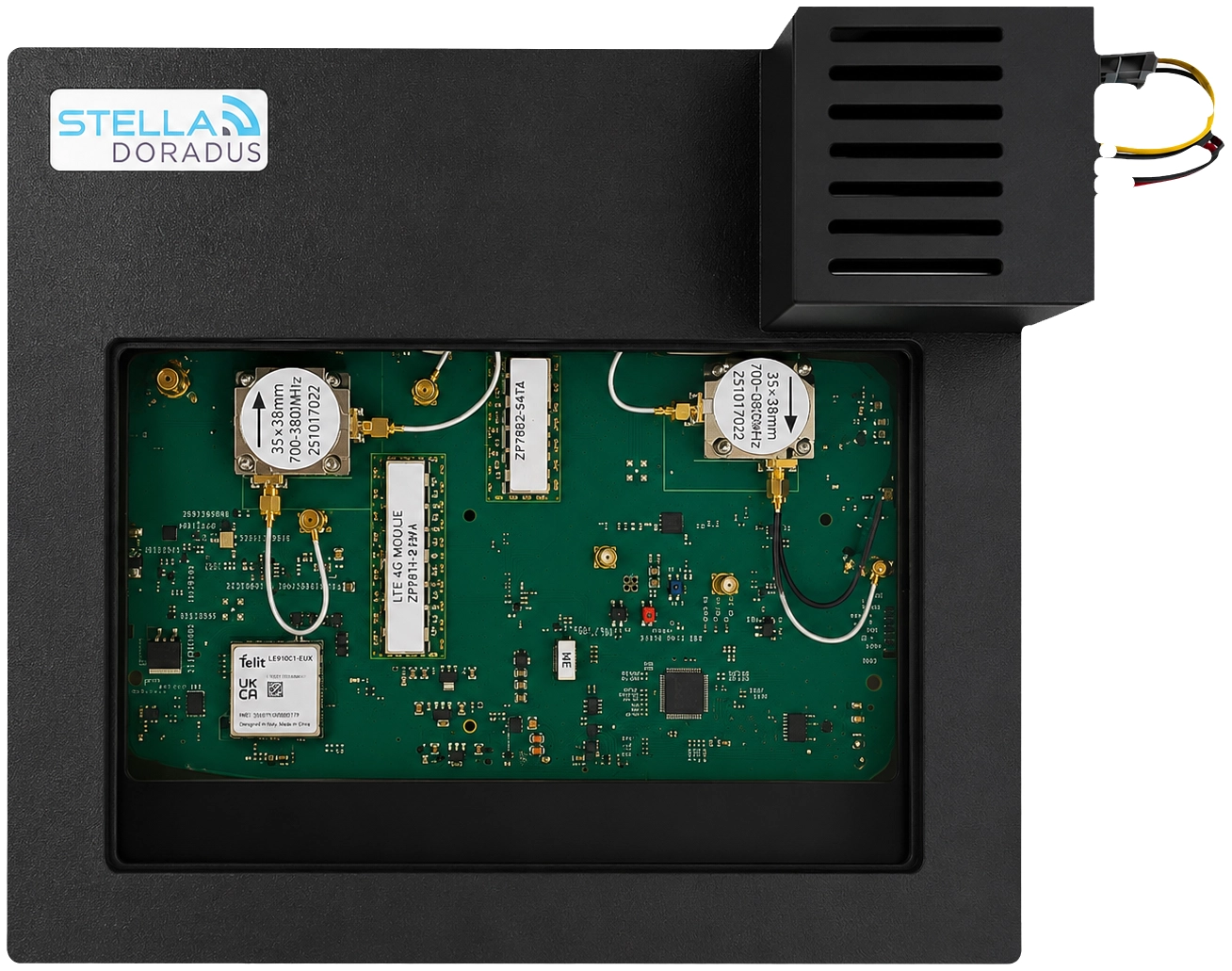
The internal modem and embedded SIM allow for a weekly automatic Cell Scan. This allows for in depth monitoring of the exterior RF environment. The cell towers in the vicinity of the building can be checked to ensure good quality incoming signal.
PortSense
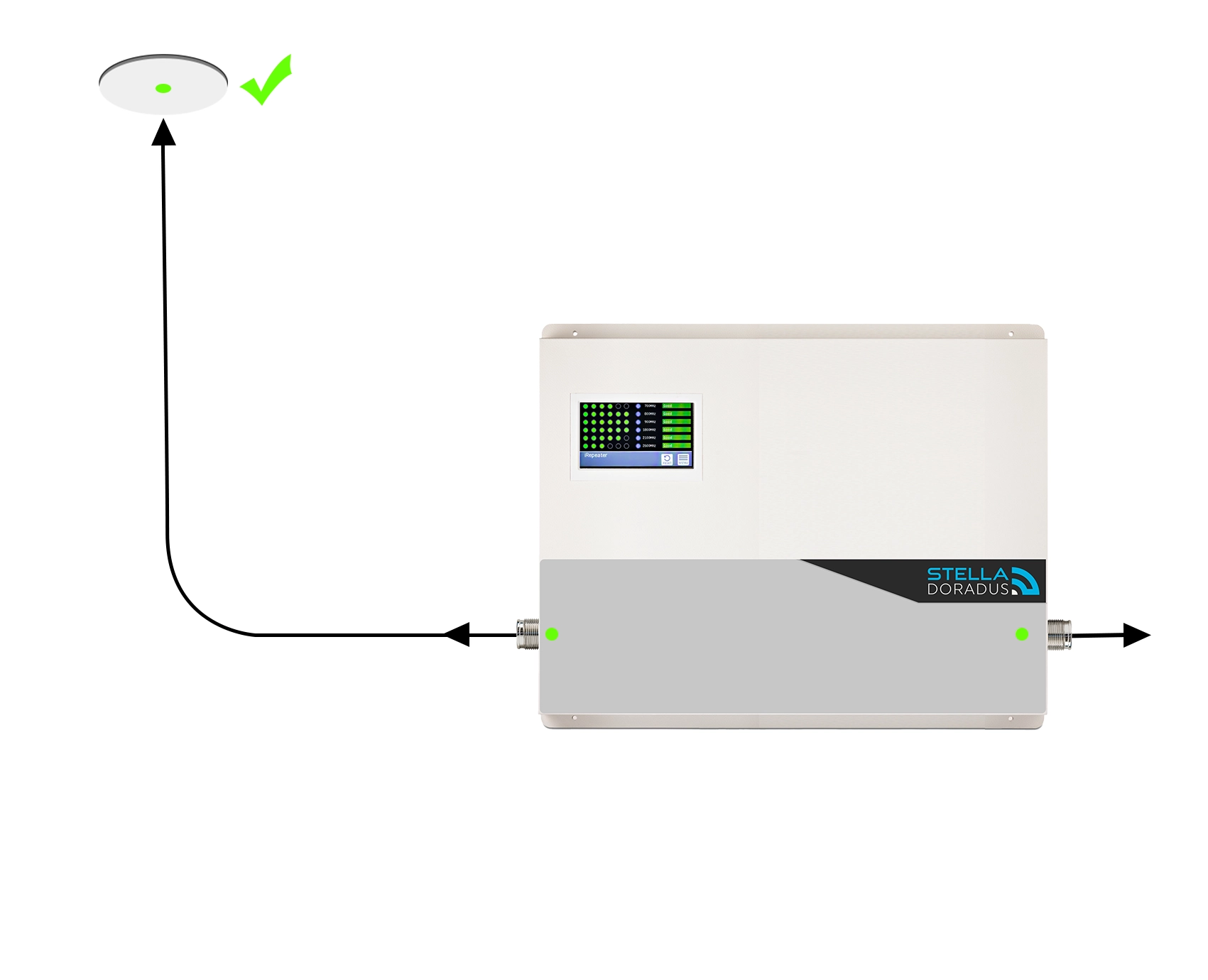
PortSense technology automatically detects when an antenna is connected to either the indoor or outdoor antenna port.
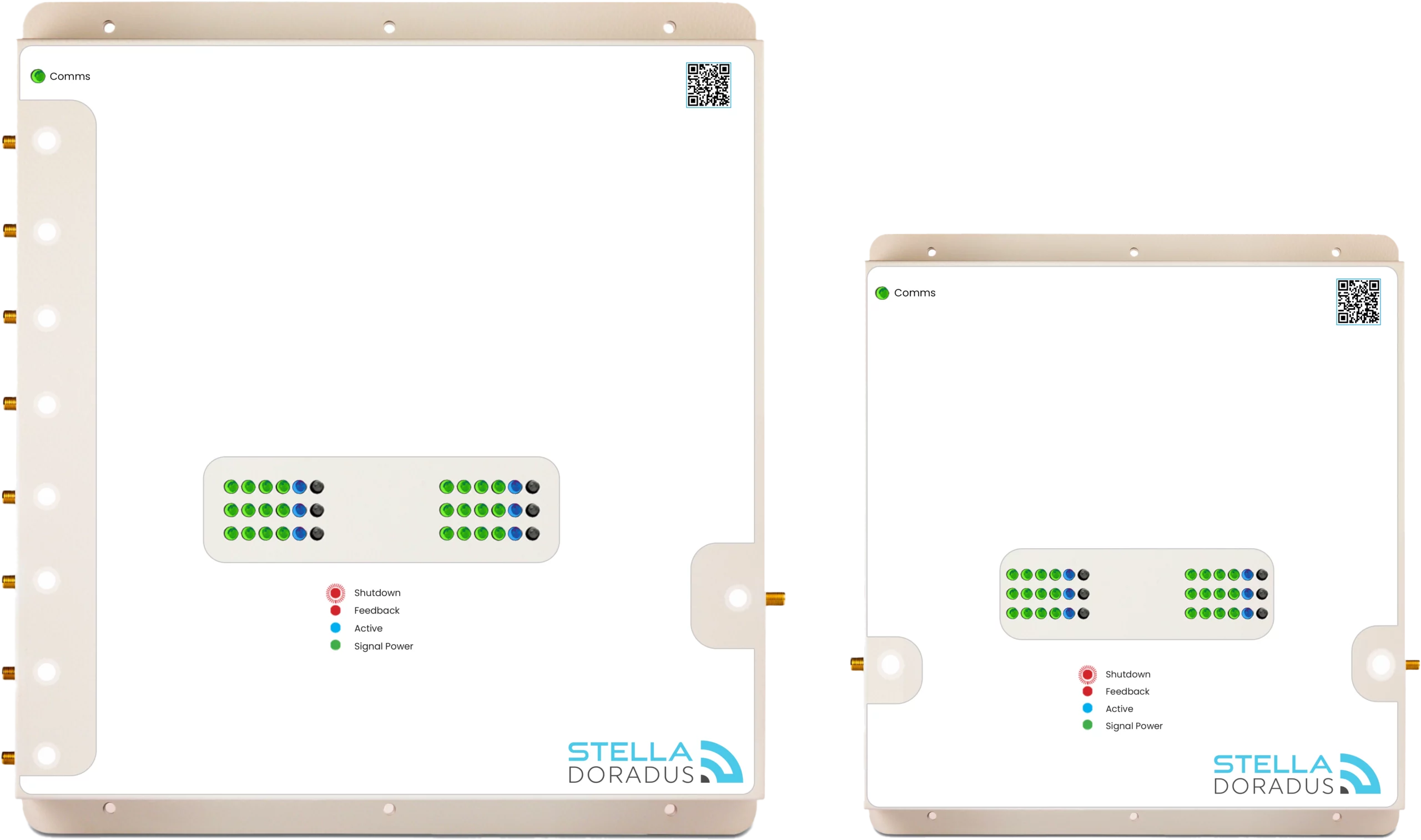
The new Smart Antennas feature an integrated white status LED, while corresponding white LEDs are also built directly into the repeater ports. When the antennas and cabling are connected correctly, both LEDs illuminate, providing installers with immediate visual confirmation that the hardware installation is functioning properly.
PortSense status is also continuously monitored through the StellaControl platform. If any hardware fault, disconnection, or system degradation is detected, automatic alerts can be generated to ensure rapid response and ongoing system reliability.
Network Scan
The internal modem and embedded SIM allow for a weekly automatic Cell Scan. This allows for in depth monitoring of the exterior RF environment. The cell towers in the vicinity of the building can be checked to ensure good quality incoming signal.
Port Sense
PortSense technology automatically detects when an antenna is connected to either the indoor or outdoor antenna port.
The new Smart Antennas feature an integrated white status LED, while corresponding white LEDs are also built directly into the repeater ports. When the antennas and cabling are connected correctly, both LEDs illuminate, providing installers with immediate visual confirmation that the hardware installation is functioning properly.
PortSense status is also continuously monitored through the StellaControl platform. If any hardware fault, disconnection, or system degradation is detected, automatic alerts can be generated to ensure rapid response and ongoing system reliability.
Mobile WebApp
Snap the QR code on the repeater with your phone to access the device dashboard.
Our 4 step process
Every professional repeater installation consists of 4 steps. Our certified installers are all trained in this process to ensure that all installations adhere to our exacting standards.
Step 1
Initial Review
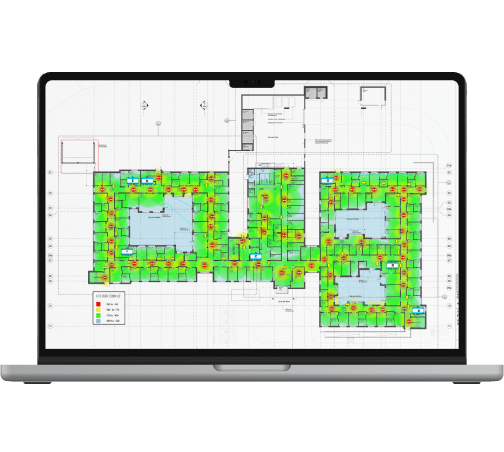
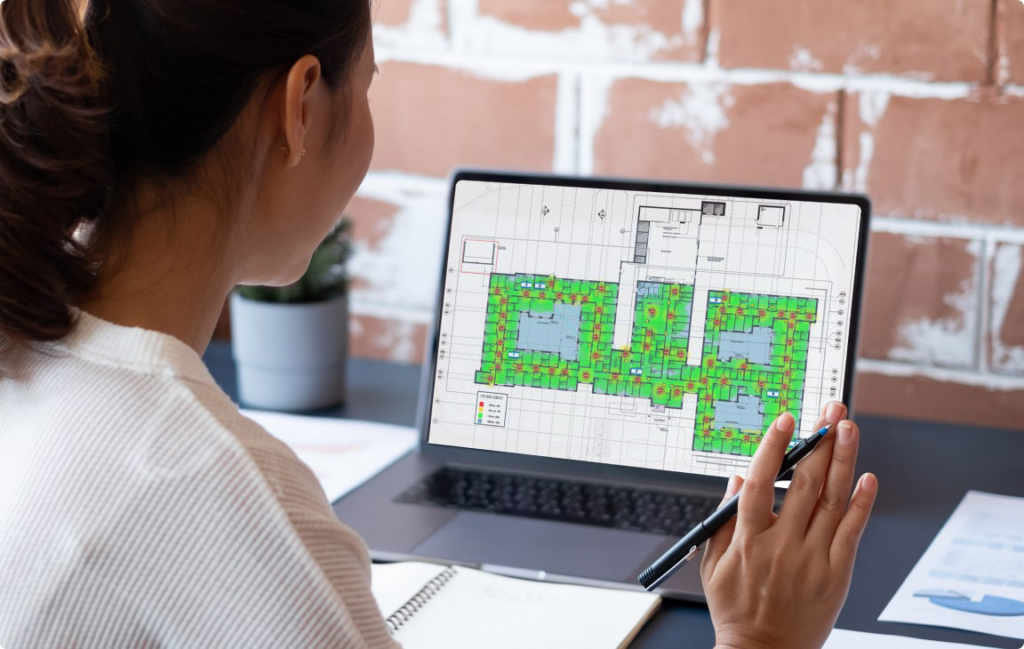
Send us the plans of your building. We will create professional heat map designs showing antenna signal strengths per floor. BOMs and costs estimates will also be calculated.
Step 2
On-Site Survey
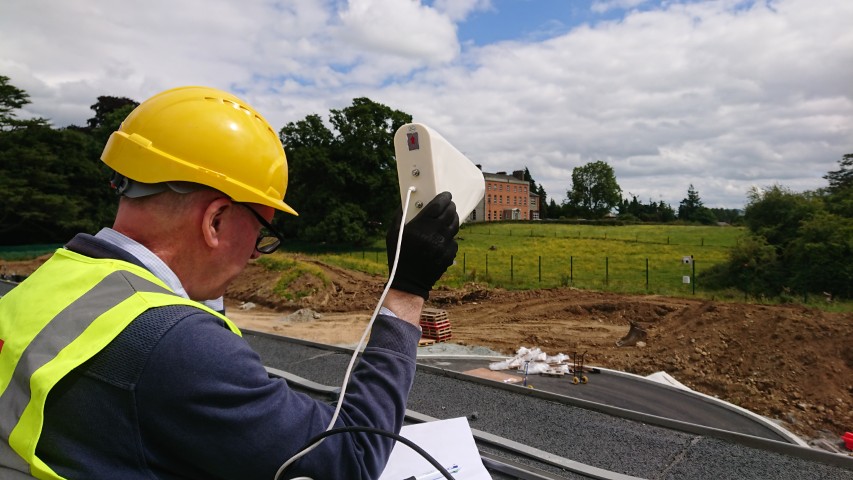
Visit the building to conduct site surveys using the Shark analyser. A Stella engineer will guide you through the on-site survey process.
Step 3
Design Proposal
The design is refined and accurate BOM is generated.

Step 4
Installation
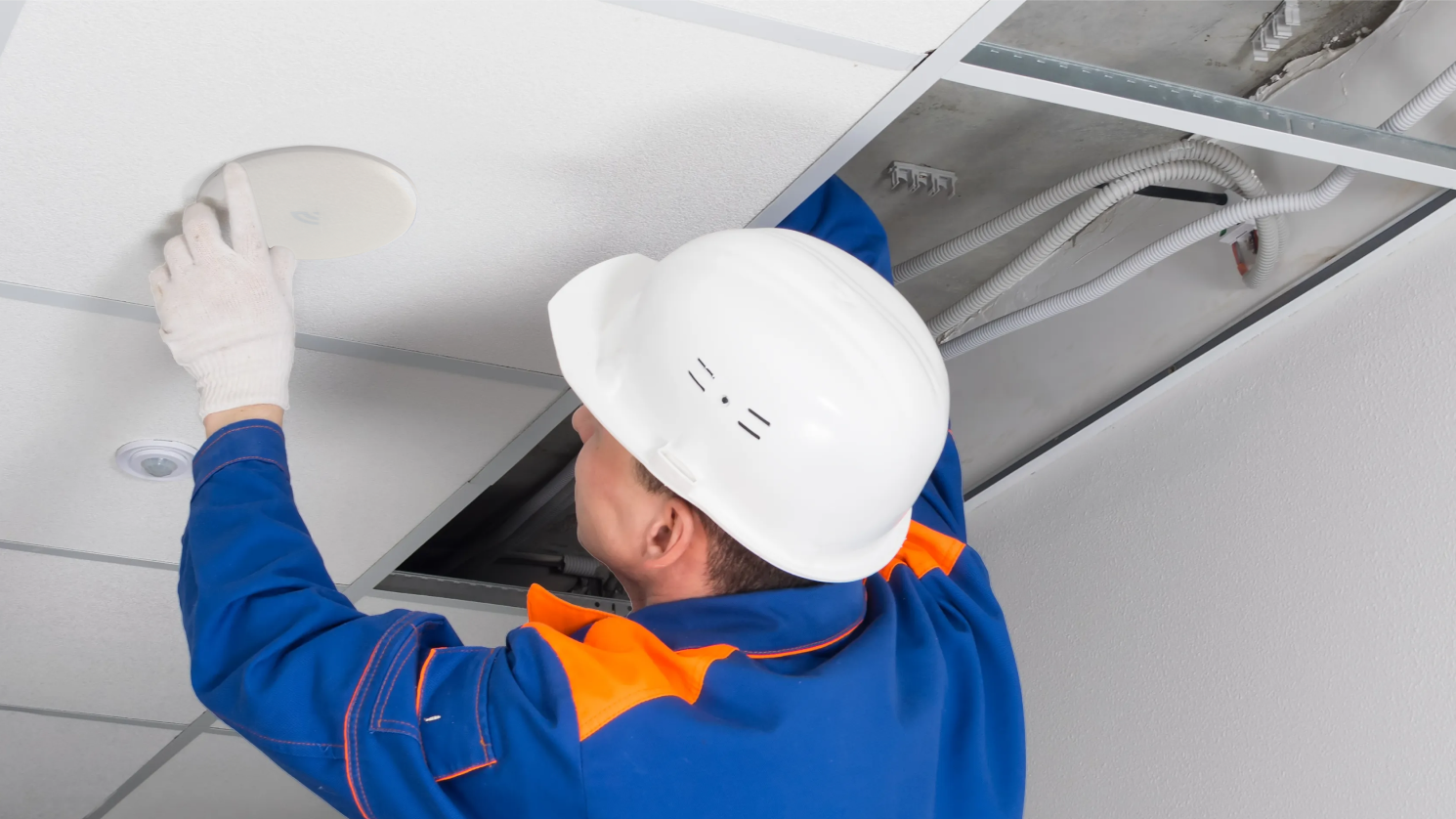
Stella engineers will guide you through the installation of the equipment to ensure best results.
Want to Learn More?
StellaPlanner
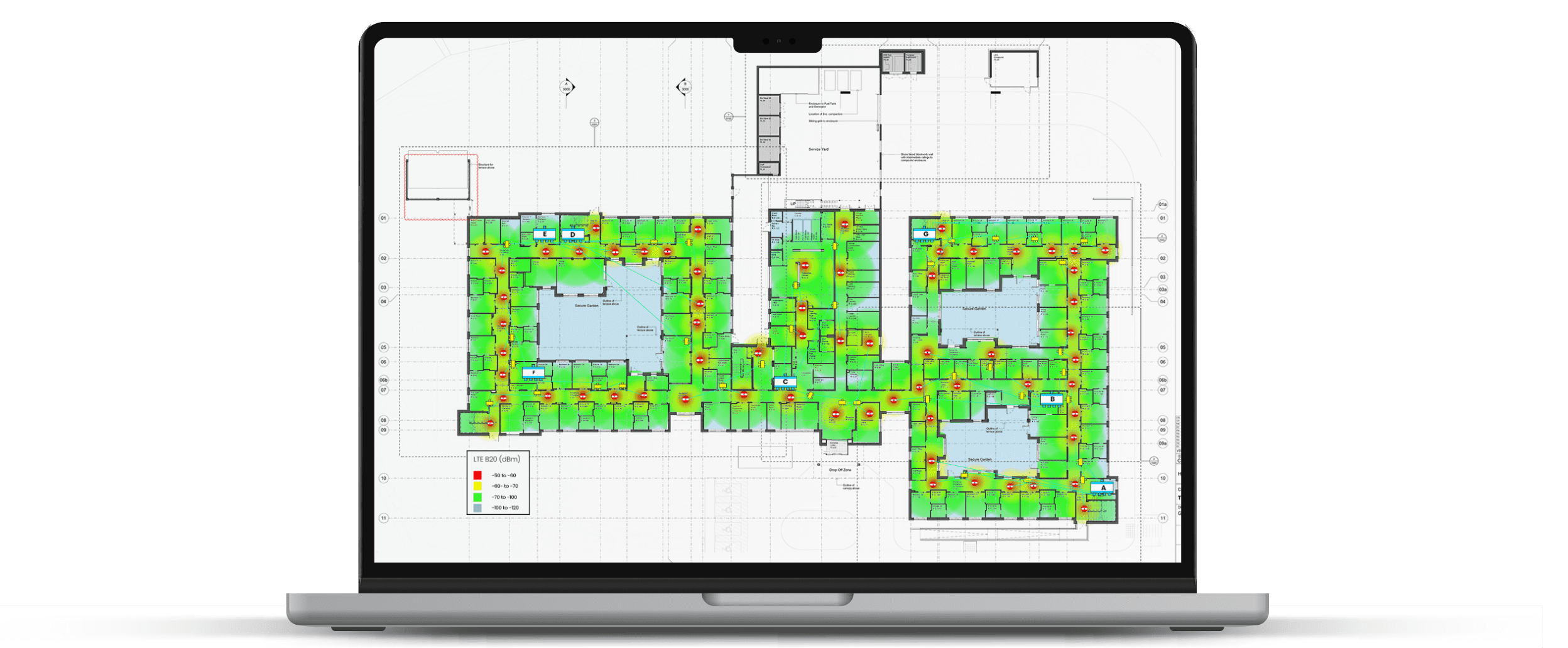
Our online repeater design tool. Optimize antenna locations. View heat maps. Visualize the RF environment before and after system integration.
Case Studies
View our wide range of case studies, from underground car parks, to airports, hotels, hospitals plus more.